Overview
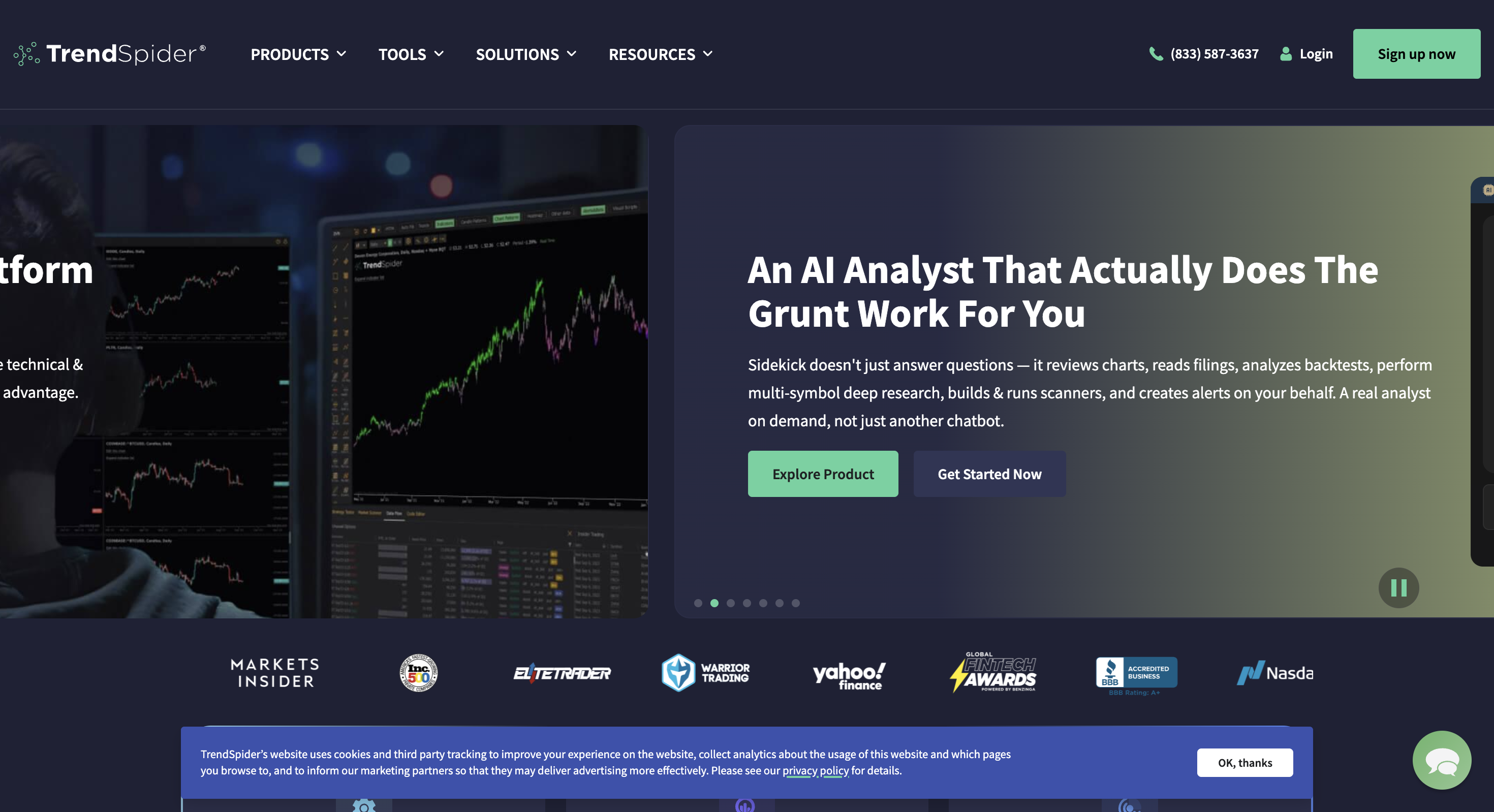
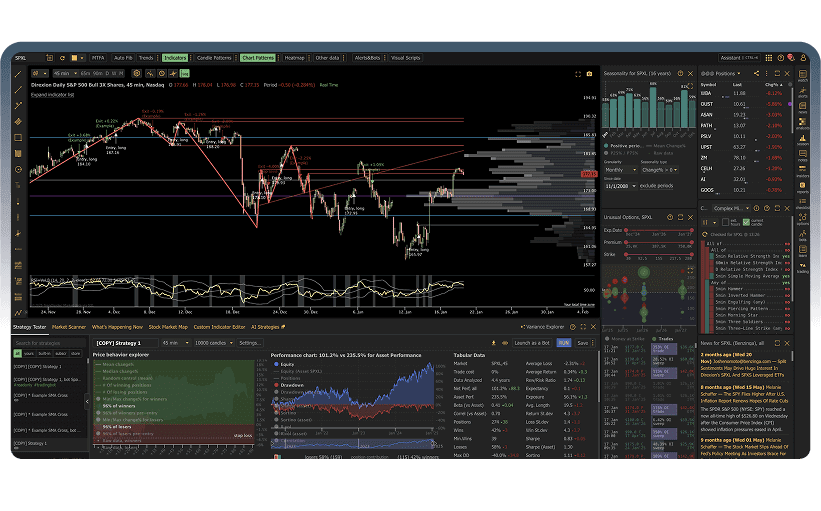
TrendSpider is a browser-based charting and analysis platform with a visual Strategy Tester for automatic no-code backtesting. Traders define entry and exit rules without programming, review performance stats, and can push validated ideas toward scanners, alerts and Strategy Bots. It is strongest for discretionary and semi-systematic technical traders who will use the full automation loop weekly, not for free-first manual TradingView replay or tick-level quant research. Public pricing starts around $82/month (Standard), with Premium, Enhanced and Advanced raising capacity; there is no free forever plan.
Best for
Technical traders who want automatic no-code strategy testing, scanning and bots without writing code.
Not ideal for
Anyone who needs a free plan, TradingView bar replay journaling, or tick/portfolio quant engines.
Key backtesting features
- No-code Strategy Tester for automatic backtesting
- Automated technical analysis and multi-timeframe tools
- Market scanners with plan-based cadence
- Strategy Bots for alerts and automation after validation
Pros and cons
Pros
- Genuine no-code automatic strategy testing
- Strong scanner and automated chart-analysis workflow
- Path from backtest to Strategy Bots
- Full feature set across tiers; higher plans raise limits
Cons
- No free plan; paid trial then premium pricing
- Steep learning curve and dense interface
- Candle-depth caps and 1-minute floor (not tick)
- Not TradingView charts; not a manual replay journal
What TrendSpider is
TrendSpider combines automated technical analysis (trendlines, patterns, multi-timeframe confluence), market scanning, a visual Strategy Tester, AI-assisted strategy workflows (including Sidekick / Strategy Lab style tools) and Strategy Bots that carry validated logic into alerts or semi-automated execution paths.
The design goal is to shorten the path from chart idea to tested rule to live monitoring without a coding language. Independent reviews and Trustpilot feedback repeatedly praise that automation loop, and repeatedly warn that the platform is dense and expensive compared with TradingView or free-first replay journals.
| Job | TrendSpider fit | Better first choice when… |
|---|---|---|
| Automatic no-code strategy testing | Strong: Strategy Tester, variance-style exploration, bots after validation | You need tick fills, walk-forward or portfolio engines (NinjaTrader, MetaTrader 5) |
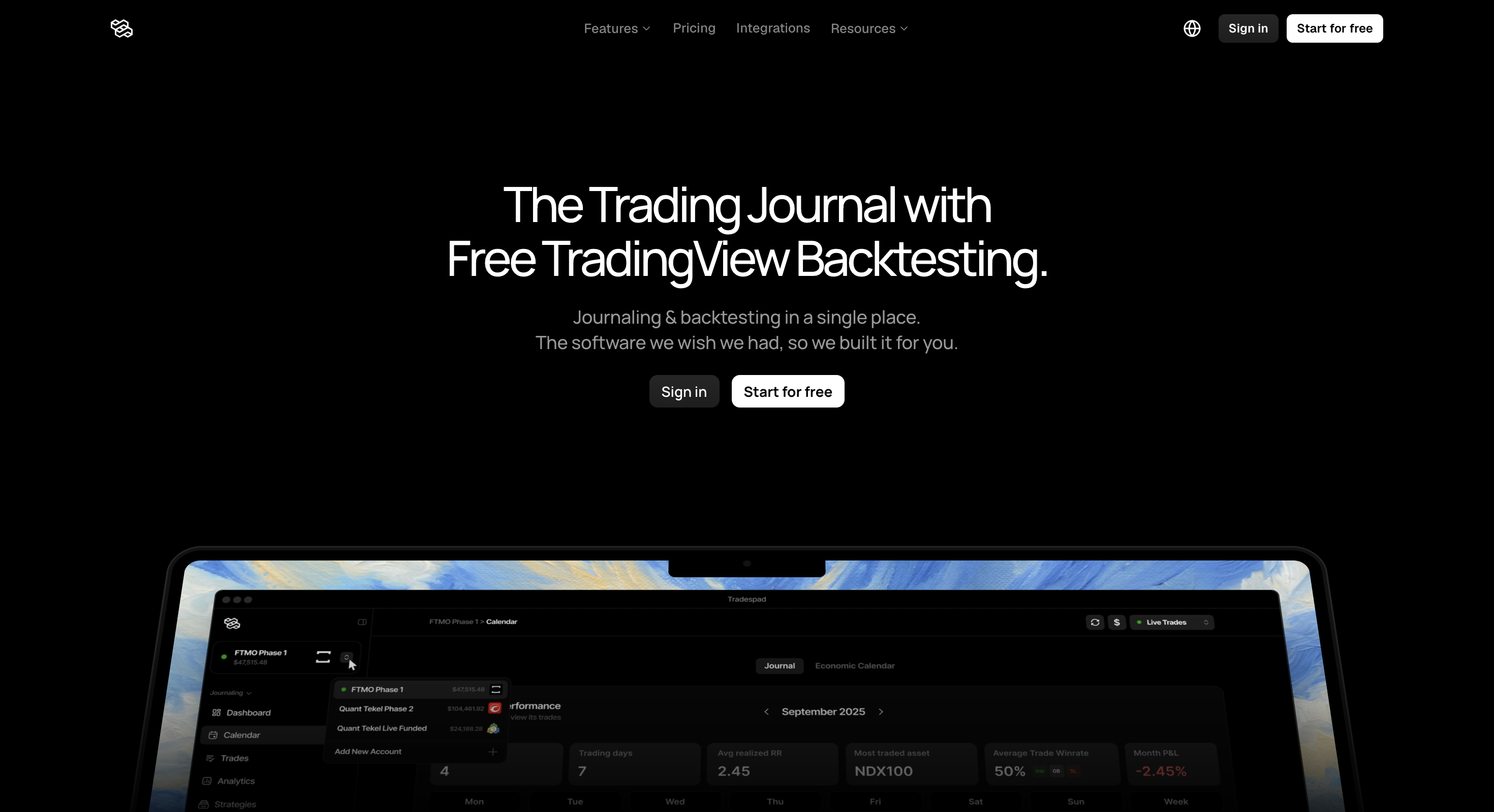
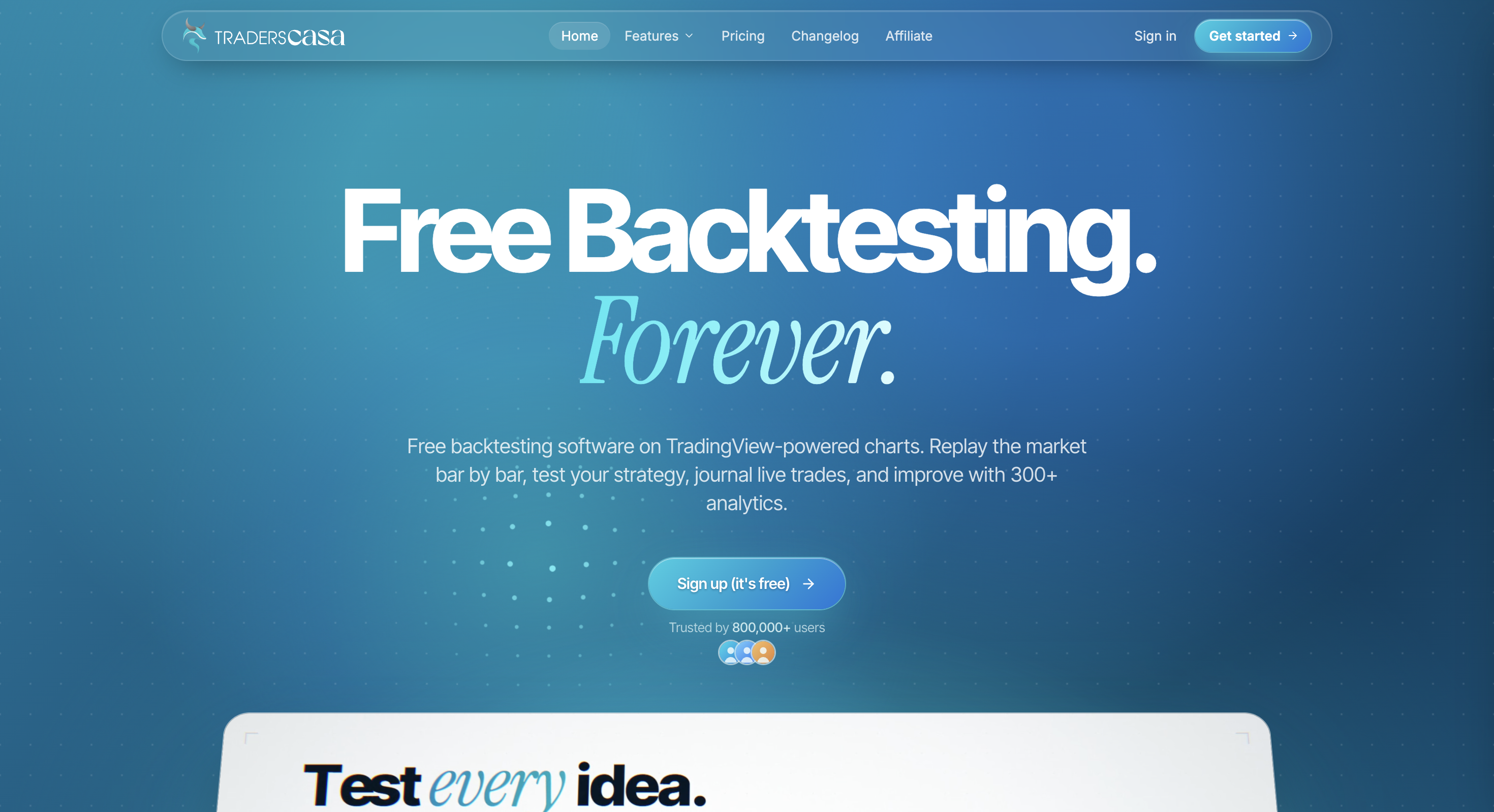
| Manual TradingView chart replay | Poor: proprietary charts; not a bar-replay journal product | You want free TV-powered replay (Tradespad, Traders Casa, FX Replay) |
| Scanning and automated chart analysis | Strong: scanners, multi-timeframe tools, automated trend/pattern work | You only need lightweight charts and community scripts (TradingView) |
| Code-driven quant research | Poor: visual/no-code first; not a Python/C#/MQL research stack | You need MetaTrader 5 or NinjaTrader as the research language |
Quick verdict
Our take: TrendSpider is the no-code automatic backtesting suite we respect most when budget is not the constraint. If you want to validate rule-based ideas, scan markets and push winners into alerts or Strategy Bots without writing Python or Pine, we think it earns the premium. We would not send budget shoppers, TradingView bar-replay seekers or portfolio/tick quants here first.
Pricing is the honest hurdle in our compare set: roughly $82 (Standard), $137 (Premium), $183 (Enhanced) and $321 (Advanced) on regular monthly cards, with annual/promo rates sometimes lower. There is no free forever tier; only a paid trial in public materials. That floor is exactly why we call it a capability pick, not a value pick.
TrendSpider backtesting features
Backtesting here means automatic strategy validation: define rules, run them on historical candles, read performance stats, then optionally promote the idea into scanning or bots. It is a different category from manual bar-by-bar practice on TradingView charts.
1. Strategy Tester (no-code automatic backtesting)
The Strategy Tester lets you build long or short entry/exit logic through a visual interface. You can also use AI-assisted helpers to describe goals and interpret results. Public documentation emphasises that backtests help you reject weak ideas quickly; they do not prove future live edge.
Strength: fast iteration without coding. Weakness: bar-based fills with simplified execution assumptions (reviews and docs note limited slippage realism), and candle-depth caps by plan.
2. Candle depth and resolution limits
Third-party reviews of 2026 plan cards commonly cite backtest depth around 2,000 candles on Standard, rising through Premium / Enhanced up to about 30,000 on Advanced, with finest resolution around 1-minute (not tick). Intraday researchers feel those caps first; swing traders on higher timeframes feel them less.
3. Variance / multi-variant testing
TrendSpider’s variance-style exploration (running many parameter variants side by side) is one of the more useful overfitting checks in the charting-SaaS category. It does not replace walk-forward or Monte Carlo on a quant stack, but it is stronger than “one equity curve and done.”
4. From backtest to Strategy Bots
A practical selling point in user reviews: once a strategy looks acceptable, you can push it toward Strategy Bots for alerts or semi-automated workflows. Live broker routing for many brokers still often depends on third-party webhook relays, so do not assume native all-broker execution.
| Mode | What it is | Status / plan reality | Best when |
|---|---|---|---|
| Strategy Tester | No-code automatic backtests with visual entry/exit rules | Live on paid plans; candle depth scales by tier | You want to invalidate rule ideas before risking capital |
| Scanners + multi-timeframe analysis | Find setups and confluence across timeframes | Live; cadence/limits rise on higher tiers | You need daily idea generation, not only one-off backtests |
| Strategy Bots | Carry validated logic into alerts / automation | Live; bot counts scale by plan; broker path may need relays | You want a short path from test to monitoring |
| Manual TradingView bar replay | Chart replay with simulated trade journaling | Not TrendSpider’s product category | Choose Tradespad, Traders Casa or FX Replay instead |
Other TrendSpider features (brief)
Outside the Strategy Tester, TrendSpider is known for automated trendline and pattern work, raindrop/alternative chart views, broad indicator coverage, AI Sidekick-style assistance (usage may be metered or add-on depending on current packaging), and options analytics expansions in recent product updates. Options analysis is not the same as full options strategy backtesting in the Strategy Tester.
Those suite features matter if you will live in TrendSpider daily. They matter less if you only wanted a cheap one-time backtest of a simple rule.
TrendSpider pricing (2026)
Figures below reflect widely published regular monthly list prices for Standard / Premium / Enhanced / Advanced. Annual billing and promotions often reduce the effective monthly cost. Confirm live rates, trial fees and candle-depth limits on trendspider.com/pricing.
| Plan | Monthly (list) | Rough annual list | Backtest depth (commonly cited) | Notes |
|---|---|---|---|---|
| Standard | ~$82 | ~$648/yr | ~2,000 candles | Entry tier; paid trial often ~$19 for 14 days |
| Premium | ~$137 | ~$1,092/yr | ~10,000 candles | Common active-trader tier |
| Enhanced | ~$183 | ~$1,464/yr | ~20,000 candles | Faster scanning / deeper capacity |
| Advanced | ~$321 | ~$2,568/yr | ~30,000 candles | Highest individual capacity tier |
Compared with TradingView’s paid Essential floor (Bar Replay from about $15/mo) or Tradespad’s Free forever start, TrendSpider is a premium commitment. Buy it for the full automation loop, not for occasional charts.
Where TrendSpider shines
- Genuine no-code automatic backtesting. Strategy Tester is built for rule validation without programming.
- Idea-to-bot path. Users often praise moving from a tested strategy into scanners, alerts and Strategy Bots.
- Automated technical analysis. Trendlines, patterns and multi-timeframe confluence save charting time versus pure manual markup.
- Full feature set across tiers. Higher plans mainly raise limits (bots, alerts, depth, cadence), not lock core tools behind Ultra-style walls.
- Variance-style exploration. Multi-variant testing helps catch fragile parameter choices better than a single curve.
- Strong Trustpilot social proof. Public Trustpilot scores for TrendSpider are typically high (our catalogue lists about 4.8 from a large review sample). Reviewers still warn about complexity and price.
The drawbacks (read these carefully)
- No free plan. Paid trial then Standard+ pricing. Casual testers and free-first shoppers should look elsewhere first.
- Expensive versus charting peers. Regular Standard around $82/mo is several times TradingView’s entry paid tiers and far above free replay journals.
- Steep learning curve. StockBrokers.com, Trustpilot and other reviews repeatedly call the UI dense; expect days or weeks before the subscription feels natural.
- Candle-depth and 1-minute floor. Not a tick engine; long intraday history may need windowed tests or higher tiers.
- Simplified fill assumptions. Perfect liquidity / thin slippage modelling means backtests can look cleaner than live trading.
- Not TradingView charts. If familiar TV bar replay is the job, TrendSpider is the wrong category.
- Broker execution often needs relays. Do not buy solely for frictionless native brokerage connectivity without checking your stack.
- AI extras can add cost or metering. Sidekick-style assistance is useful in reviews but is not always “unlimited included.”
Editorial caution: buy TrendSpider for no-code automatic strategy testing plus scanning/bots in a premium charting suite. Do not buy it for free manual TradingView replay, tick-level quant research, or a cheap occasional charting subscription.
Who TrendSpider is for
- Discretionary swing and day traders who want automatic no-code backtesting
- Traders who will use scanners, multi-timeframe analysis and Strategy Bots weekly
- Users willing to pay a premium for automation instead of coding Pine, MQL5 or C#
- Technical traders who want automated trend/pattern assistance on the chart
Who should skip it
- Anyone who needs a real free plan to start
- Traders who mainly want TradingView bar replay and a practice journal (Tradespad, FX Replay)
- Quants who need tick data, walk-forward, Monte Carlo or portfolio backtests
- Budget shoppers who only need charts and light Strategy Tester usage (TradingView)
TrendSpider vs other backtesting tools
Starts-from figures are public entry points and can change. Confirm on each vendor’s pricing page.
| Tool | Starts from | Backtesting focus | Watch out for |
|---|---|---|---|
| TrendSpider | From ~$82/mo | No-code automatic Strategy Tester + scanners/bots | No free plan; steep learning curve; candle-depth caps |
| Tradespad | $0 | TradingView chart bar replay + journaling | Manual only; Free session caps |
| TradingView | ~$15/mo for Bar Replay | Pine Strategy Tester + Bar Replay (Essential+) | Free Basic has no Bar Replay; no dedicated BT journal |
| TradeZella | From $35/mo | Journal suite with plan-gated automated/AI backtesting | No free plan; fuller BT on higher tiers |
| MetaTrader 5 | $0 via brokers | MQL5 Expert Advisor strategy tester | Coding required; data quality depends on broker |
| BacktestingMax | $0 | No-code / AI-assisted strategy runs | No TradingView charts; free assets limited to Forex/Metals |
Final verdict
Choose TrendSpider when automatic no-code strategy testing, scanning and bots justify a premium charting subscription. Skip it when you need free manual TradingView replay, tick-level quant tools, or a cheap occasional charting plan. For traders who will actually use the Strategy Tester and automation weekly, that capability is why TrendSpider is our automated backtesting choice on the rankings.
Still deciding? Compare it with TradingView, Tradespad, BacktestingMax and our comparison table before you pay for capacity you will not use.
FAQ
Pricing, free plan, Strategy Tester depth, TradingView charts, learning curve, user review themes, and alternatives.
Pricing and features change often. Always confirm current details on the official TrendSpider website.