Overview
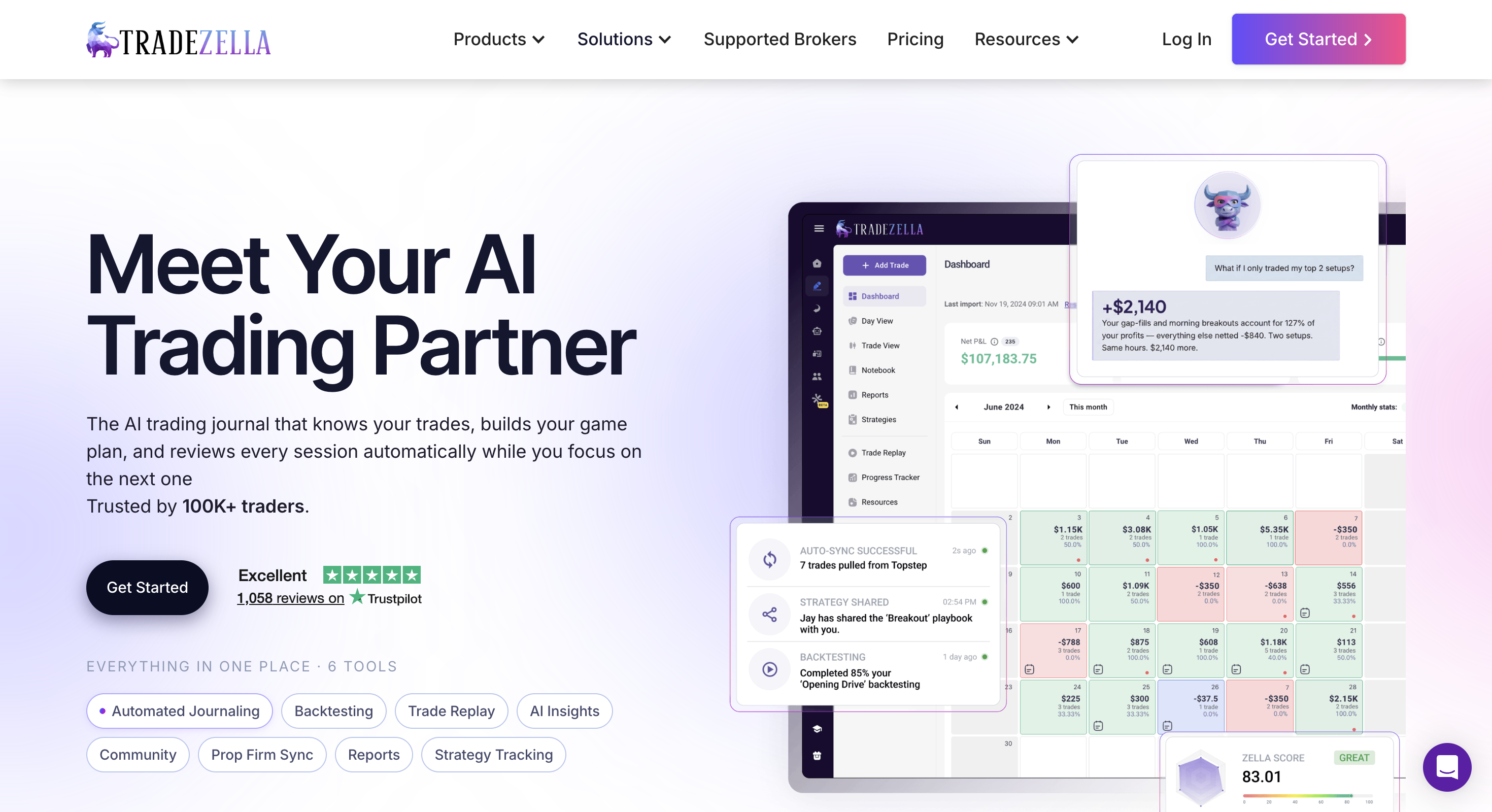
TradeZella is a web-based trading journal and AI performance suite that also includes manual backtesting, trade replay and plan-limited automated/no-code backtesting. It is strongest for traders who want post-trade review, playbooks and analytics in the same product as historical practice, not for shoppers who need a free-first dedicated backtester or a code-driven research stack. Pricing after the 2026 update starts around $35/month (Essential), with Pro ($59) and Ultra ($99) unlocking the fuller replay, AI-credit and automated-backtesting experience.
Best for
Traders who will use journaling, trade replay and paid-tier backtesting together every week in one premium suite.
Not ideal for
Anyone who needs a free plan, unlimited TradingView-style replay on a budget, strategy validation before live trading, or a Python/C#/MQL research environment.
Key backtesting features
- Manual backtesting with long historical coverage
- Trade replay (limited on Essential; unlimited on higher plans)
- Plan-gated automated / AI no-code backtesting
- Journaling, playbooks, analytics and prop-firm sync
Pros and cons
Pros
- Manual + automated backtesting inside a journal suite
- Strong trade replay for post-trade review
- Deep analytics, playbooks and broad broker/prop sync
Cons
- No free plan or classic free trial
- Essential/Pro/Ultra pricing is expensive versus replay-focused tools
- Best replay and automated backtesting sit behind higher plans
- AI credits are metered; export is not a full backup/re-import path
- Journal-first product, not a dedicated systematic backtester
What TradeZella is
TradeZella is a web-based trading journal and performance suite (stocks, options, futures, forex, crypto) that grew from logging and analytics into a broader “AI trading partner” product. Core jobs include broker/prop sync, trade tagging, deep reports, playbooks, mentor workflows, Zella AI, trade replay, and both manual and automated backtesting.
That breadth is the selling point, and the trap. You can easily pay for journaling, AI credits, mentor tools and education when what you actually wanted was a clean way to validate a setup on historical charts. If your bottleneck is “I don’t know if this idea works,” a dedicated backtester is usually the better first tool. If your bottleneck is “I know the idea, but my live execution is inconsistent,” a journal like TradeZella is closer to the job.
| Job | TradeZella fit | Better first choice when… |
|---|---|---|
| Review live trades | Strong: journaling, reports, playbooks, AI review | You mainly need a simpler/cheaper daily journal |
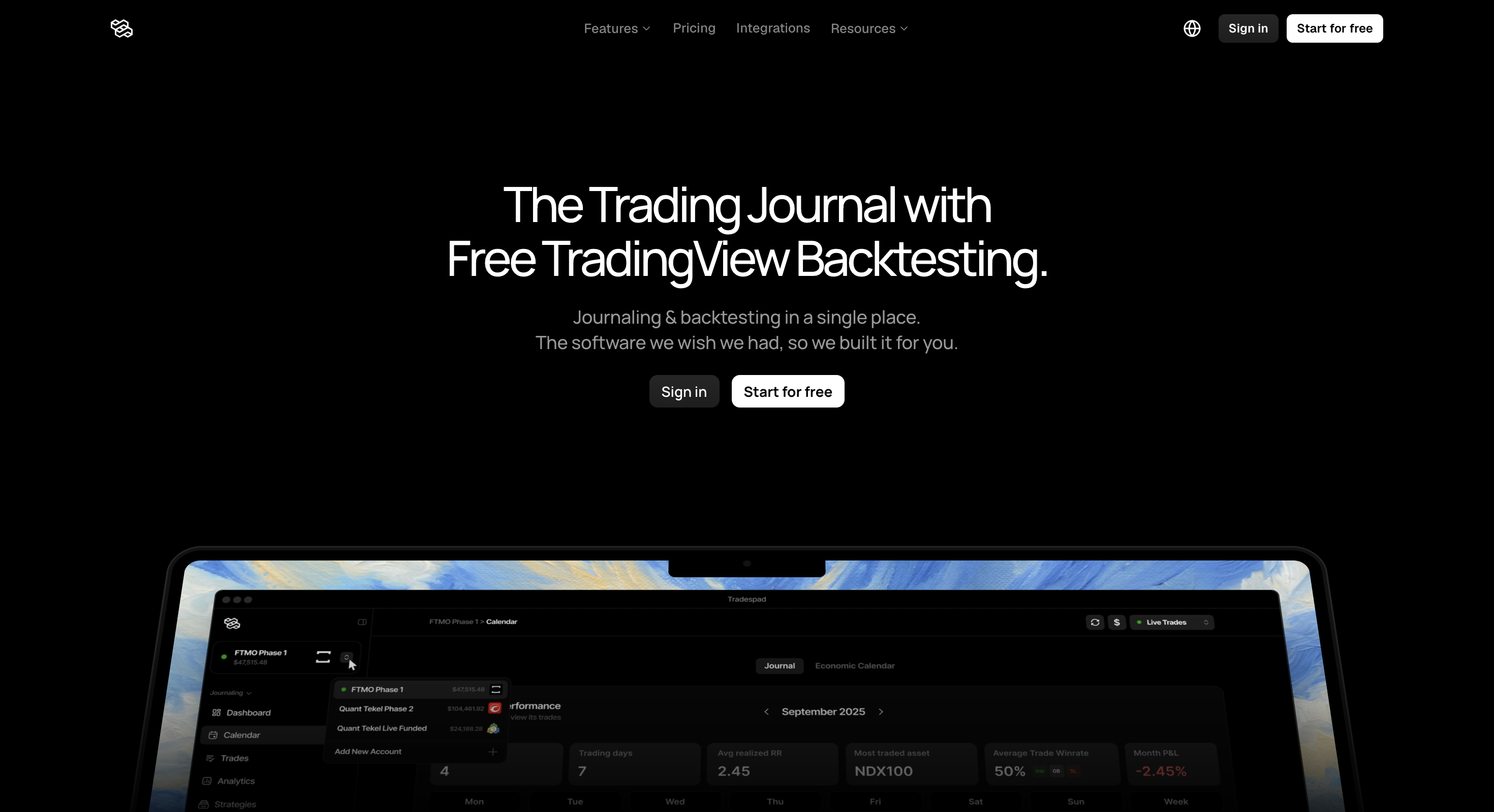
| Manual market practice | Good: trade replay + manual backtesting (plan caps apply) | You want unlimited TradingView chart replay (see Tradespad, FX Replay) |
| Automated strategy validation | Partial: no-code/AI automated runs on higher plans | You need a dedicated rule-based backtester before you journal anything |
| Code-driven quant research | Poor: not a Python / C# / MQL research environment | You need MetaTrader 5 or NinjaTrader |
Quick verdict
Our take: TradeZella is a premium journal suite that happens to include backtesting, not a dedicated backtester that happens to include a journal. We recommend it when you will actually live in playbooks, analytics, replay and plan-gated automated tests every week. We push back when shoppers treat it as a free-trial replay gym or a cheap TradingView bar-replay substitute.
Honest framing from our team: buy TradeZella for the journal stack; treat the backtesting tools as useful add-ons. After the 2026 plan update we list pricing from about $35/month with no ongoing free plan, and we expect most people who care about fuller replay/automated testing to land on Pro ($59) or Ultra ($99). If that floor feels steep for practice alone, we would start elsewhere.
TradeZella backtesting features
TradeZella markets three related workflows that people often lump together as “backtesting.” They are not the same product, and plan limits matter.
1. Manual backtesting
Manual backtesting is available across plans. Public materials describe long historical coverage (often cited as 11+ years across major asset classes) for reviewing setups bar-by-bar or session by session. This is closest to manual chart practice: you define a playbook/setup, step through history, and log simulated decisions into the same review stack as live trades.
Strength: the backtest can sit next to journaling analytics and playbook adherence. Weakness: it is still manual labour, and it is not the same as a TradingView-native bar-replay product built only for chart practice.
2. Trade replay
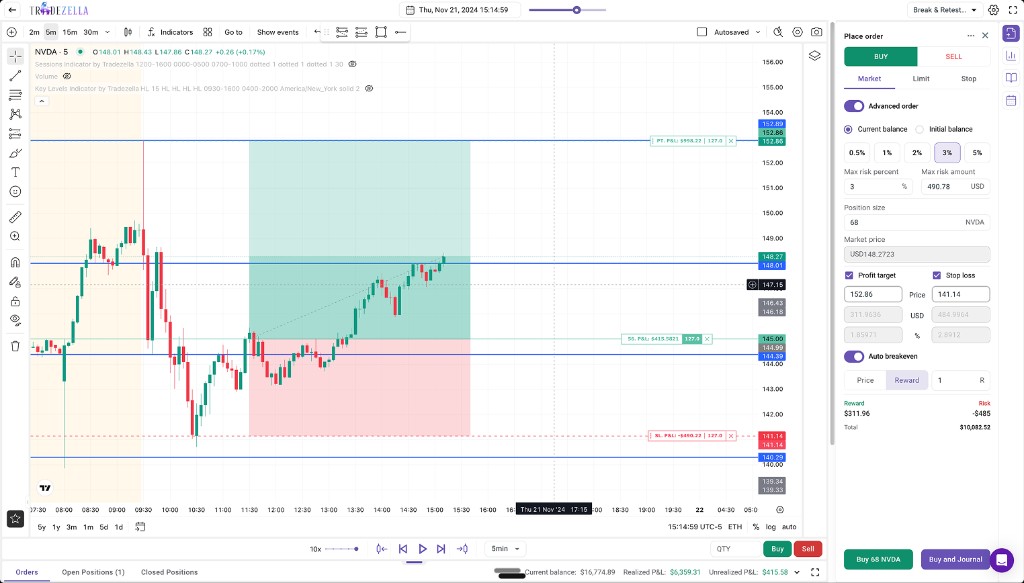
Trade Replay is one of TradeZella’s strongest practical tools, imported-chart playback around real or reviewed trades so you can rewatch price action around entries and exits. Essential is capped (public materials list about 10 replays per month). Pro and Ultra remove that ceiling and unlock the fuller replay experience.
If replay is the reason you are shopping TradeZella, budget for Pro. Essential’s replay allowance is easy to burn through in a serious review week.
3. Automated / AI backtesting
Automated backtesting (including AI-assisted or plain-English style runs described in marketing) sits on higher tiers, with session caps on Pro and much higher caps on Ultra. Essential is not a power-user automated-backtesting plan. Treat “no-code automated backtesting” as a Pro/Ultra feature, not the default Essential experience.
Important category note: even with automated runs, TradeZella remains a journal suite with backtesting modules. Reviews and competitor comparisons routinely describe its replay/backtesting as closer to practice and playbook testing than to a dedicated systematic backtester that exists only to validate rules before you ever place a live trade.
| Mode | What it is | Plan reality | Best when |
|---|---|---|---|
| Manual backtesting | Step through history and test setups by hand | All plans (depth still tied to the suite you pay for) | You want manual chart practice linked to playbooks |
| Trade replay | Rewatch chart context around trades/sessions | Limited on Essential; unlimited on Pro/Ultra | Post-trade review and execution coaching |
| Automated backtesting | No-code / AI runs against historical data | Higher plans; session caps apply | You want rule checks without writing code, and will pay Pro+ |
Other TradeZella features (brief)
Outside backtesting, TradeZella’s main surface is still the journal stack: broad broker imports, prop firm sync, dense analytics/reports, strategy and playbook tracking, mentor/Spaces workflows, and Zella AI for tagging, session review and chat-style insights. AI is credit-metered (public figures around 500 / 1,500 / 3,000 monthly credits across Essential / Pro / Ultra), so heavy AI use is another reason people graduate from Essential quickly.
Those extras can be excellent if you will use them every week. They are expensive ballast if you only wanted a backtesting workflow.
TradeZella pricing (2026)
Figures below reflect widely published Essential / Pro / Ultra list prices after the July 2026 plan update. Always confirm live rates, credit limits and replay caps on tradezella.com.
| Plan | Monthly | Annual (approx.) | Accounts | Replay | AI credits | Backtesting note |
|---|---|---|---|---|---|---|
| Essential | $35 | $315 (~$26/mo) | 1 | ~10 / month | ~500 / month | Manual backtesting; automated depth is not the story here |
| Pro | $59 | $531 (~$44/mo) | Up to ~50 | Unlimited | ~1,500 / month | Fuller AI agents, replay, and automated backtesting with caps |
| Ultra | $99 | $891 (~$74/mo) | Unlimited | Unlimited | ~3,000 / month | Highest automated-backtesting and multi-account headroom |
There is no permanent free plan and no classic free trial in public materials. Annual billing saves roughly 25%, but even then TradeZella sits well above focused journaling or replay tools that start free or under ~$20-$30/month.
Where TradeZella shines
The drawbacks below are real, but TradeZella is not empty marketing. If you will actually use the full stack, several strengths are hard to match in a single subscription.
- Backtesting and journaling in one loop. Simulated or replayed trades can feed the same review stack as live trades, playbooks, tags, reports and session notes stay connected instead of living in separate tools.
- Trade replay that feels practical. Rewatching price action around entries and exits is one of TradeZella’s clearest wins for execution review. On Pro and Ultra, unlimited replay removes the Essential cap that frustrates active reviewers.
- Manual backtesting with long history. Public materials cite deep historical coverage across major asset classes, which helps traders practice setups bar-by-bar without stitching chart data elsewhere.
- Automated / AI backtesting on higher plans. For traders who want no-code rule checks without learning Pine, MQL or Python, plan-gated automated runs are a genuine upside, as long as you budget for Pro or Ultra.
- Deep analytics and playbooks. Strategy tracking, adherence reporting and a large report surface help answer “did I follow my plan?”, the post-trade question TradeZella is built around.
- Broad broker and prop-firm sync. Importing live history from many brokers and prop accounts reduces manual logging friction, which matters if the journal is the product you are really buying.
- Zella AI for tagging and session review. Credit-limited, but useful when it auto-tags setups, summarizes sessions or surfaces patterns you would miss in a spreadsheet.
- Mentor / team workflows. Spaces, mentor mode and education extras help coaches and communities stay inside one product instead of juggling screenshots and shared sheets.
- Strong public reputation. TradeZella consistently shows high Trustpilot-style scores and frequent support praise, social proof that the product works for many paying users, even when price is the complaint.
In short: TradeZella earns its keep when journaling, replay and paid-tier backtesting are part of the same weekly habit. The positives are suite-level completeness; they are less compelling if you only needed a lean chart-replay tool.
The drawbacks (read these carefully)
TradeZella’s feature list looks impressive. The friction shows up in pricing, plan gating, and product category.
- No free plan and no classic free trial. You cannot casually validate imports, replay quality or backtesting fit before paying.
- Premium pricing. Essential at $35/mo is already expensive for a journal; Pro at $59 and Ultra at $99 escalate quickly if you want unrestricted replay and automated tests.
- Best backtesting tools are gated. Limited replay on Essential and plan-capped automated backtesting mean many “backtesting” shoppers effectively need Pro or Ultra.
- AI is metered. Zella AI credits run out. Heavy review weeks can force you up a tier for credits rather than for features you truly need.
- Not a dedicated backtester. TradeZella is strongest after you trade. It is less convincing as the primary tool to prove a strategy on data before risking capital.
- Export / portability limits. Documented CSV export is often described as selected Trade Log columns, not a complete backup/re-import path. That matters if years of journal evidence become locked into one vendor.
- Dense product surface. Mentors, Spaces, education, AI agents and prop sync add setup cost. Simpler daily journals feel lighter by design.
- Web-only positioning. Public materials describe a browser product without native mobile apps, fine for desk review, weaker for always-on mobile journaling.
- Community complaints still include bugs/lag and price-to-usage mismatch even when Trustpilot averages are strong. Feature count does not equal weekly value.
Editorial caution: if your goal is backtesting first, do not buy TradeZella because the marketing stack is large. Buy it when journaling + replay + (paid) backtesting in one suite is the actual weekly workflow, and you accept Pro-tier pricing to unlock it.
Who TradeZella is for
- Traders who will use journaling, replay and backtesting together every week
- Prop / multi-account users who want sync plus deep analytics in one place
- Teams that value mentor workflows, Spaces or the education surface
- Buyers who prefer one premium suite over stitching cheaper specialist tools
Who should skip it
- Anyone who needs a free plan or low-friction trial before committing
- Traders who mainly want TradingView chart bar-replay without a $35-$99 journal stack
- People validating strategies before they have live trades worth journaling
- Quant researchers who need Python, Pine, MQL5 or C# as the research language
- Budget-conscious traders who only need a clean daily journal under ~$20/mo
TradeZella vs dedicated backtesting tools
Use this table when you landed here from a “best backtesting software” search. Starts-from figures are approximate public entry points and can change.
| Tool | Starts from | Backtesting focus | Watch out for |
|---|---|---|---|
| TradeZella | ~$35/mo | Journal suite with manual + gated automated backtesting and replay | No free plan; Pro/Ultra needed for the fuller stack |
| Tradespad | Free | TradingView chart backtesting + journaling | Newer product; fewer “suite” extras than TradeZella |
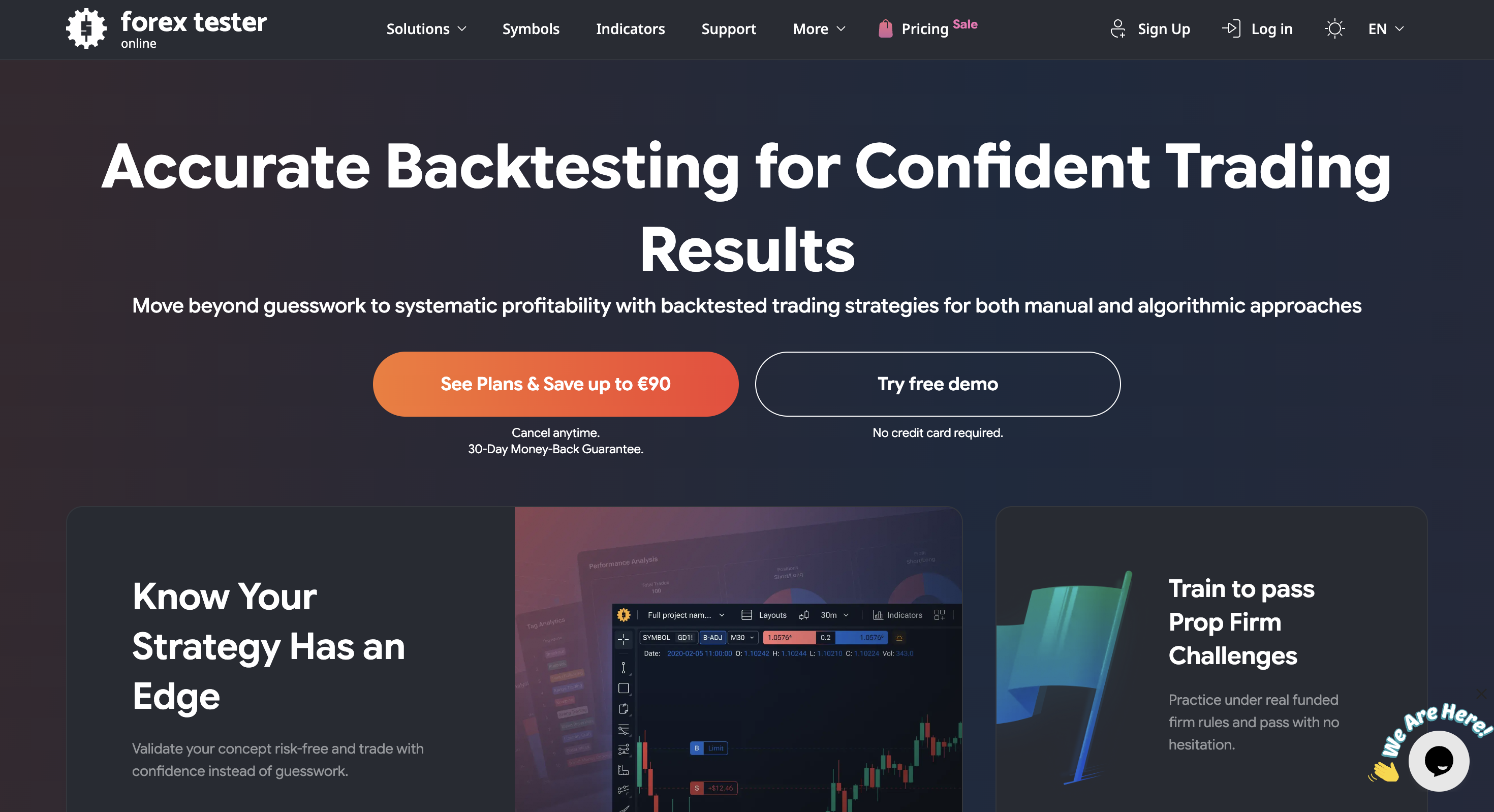
| FX Replay | Paid | Dedicated browser market replay for manual chart practice | Less of an all-in-one AI journal suite |
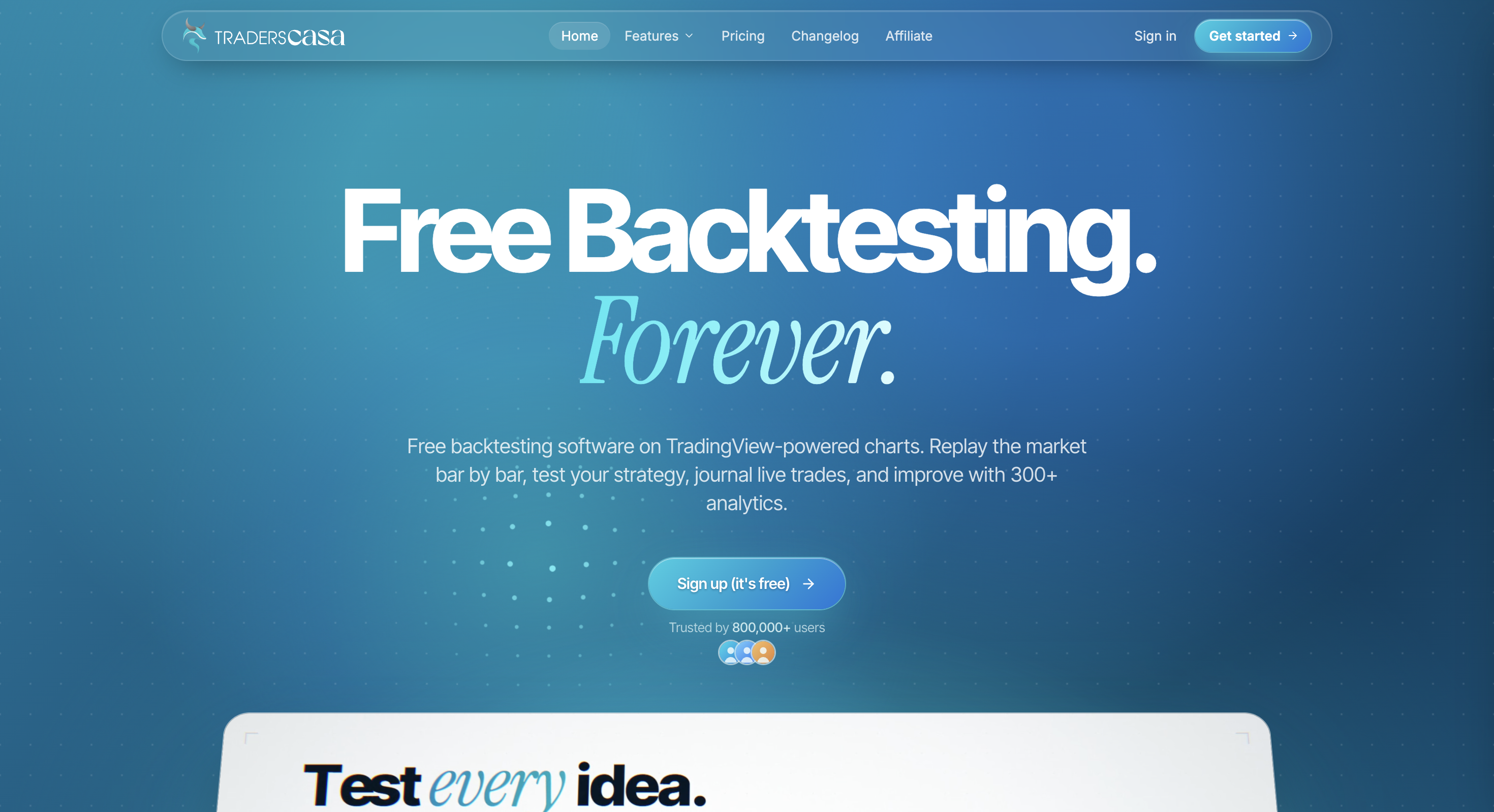
| Traders Casa | Free | Free forever TradingView-powered bar replay | Narrower analytics/AI surface than TradeZella |
| TrendSpider | Paid | No-code visual strategy testing in a charting suite | Different product category than trade journaling |
Final verdict
TradeZella can be worth the money when imported-chart replay, playbook-linked manual testing, and higher-plan automated backtesting are central to how you improve, and you are willing to pay Pro-level pricing without a free on-ramp. It loses the “best backtesting software” argument when price, plan gates, export limits, and journal-first positioning matter more than feature count.
If you came here for backtesting, compare it side-by-side with Tradespad, FX Replay and our comparison table before you lock into a $35-$99/month suite.
FAQ
Common TradeZella backtesting questions: pricing, free plan, replay, automated testing, and the best alternatives if a premium journal suite is not what you need.
Pricing and features change often. Always confirm current details on the official TradeZella website.